Users
Usage
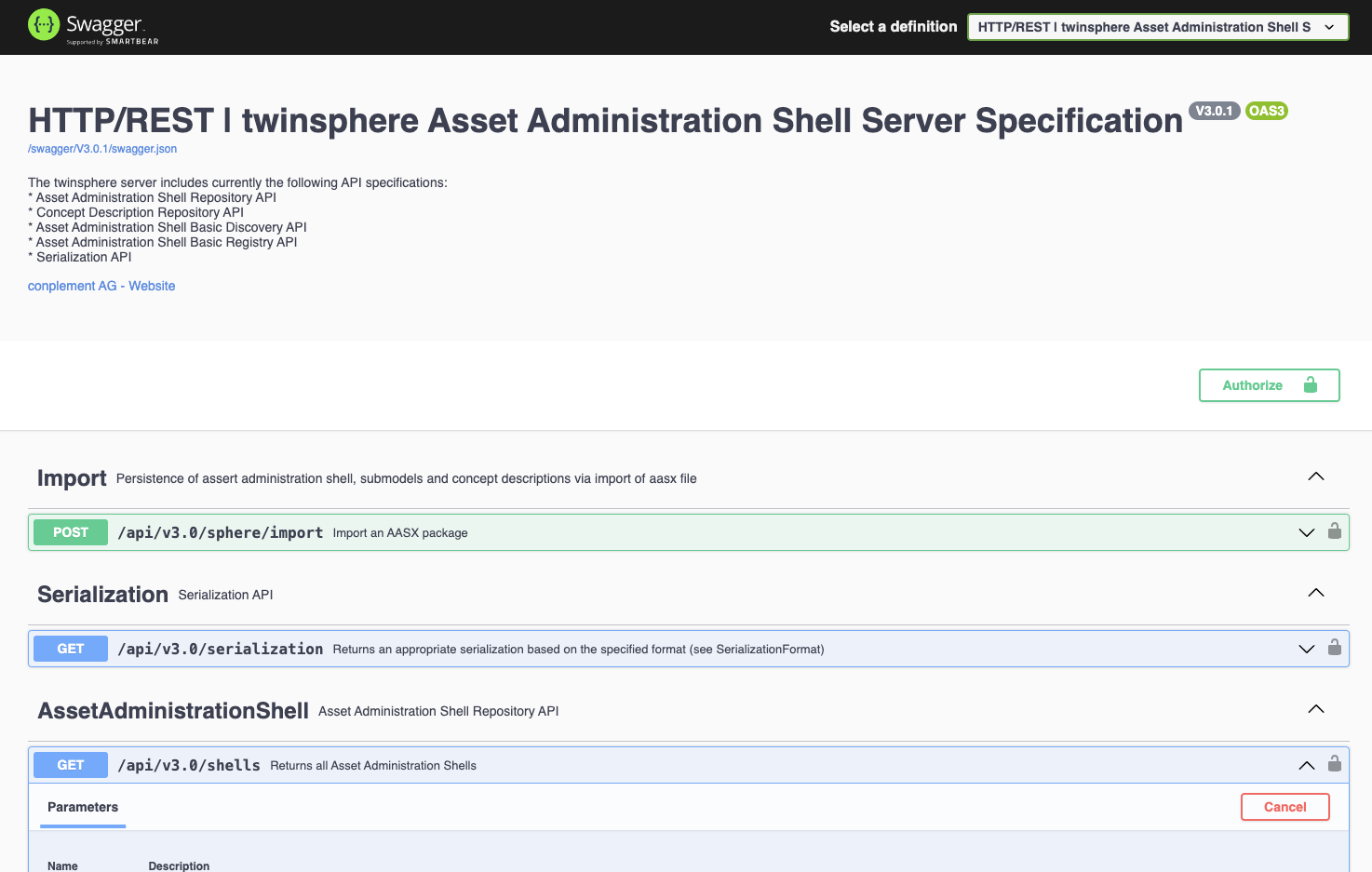
All our applications provide login functionality for users, in which you will be redirected to our identity provider for login. Our APIs also provide a user-friendly interface based on the Swagger UI.
Simply use the Authorize button to log in (and use the last option on the bottom in the pop-up window). Note that via Authorize you can also set access token directly, which might be useful in some testing scenarios.
Password reset
If you need to change your password, simply use the "forget password" function on the login screen.